
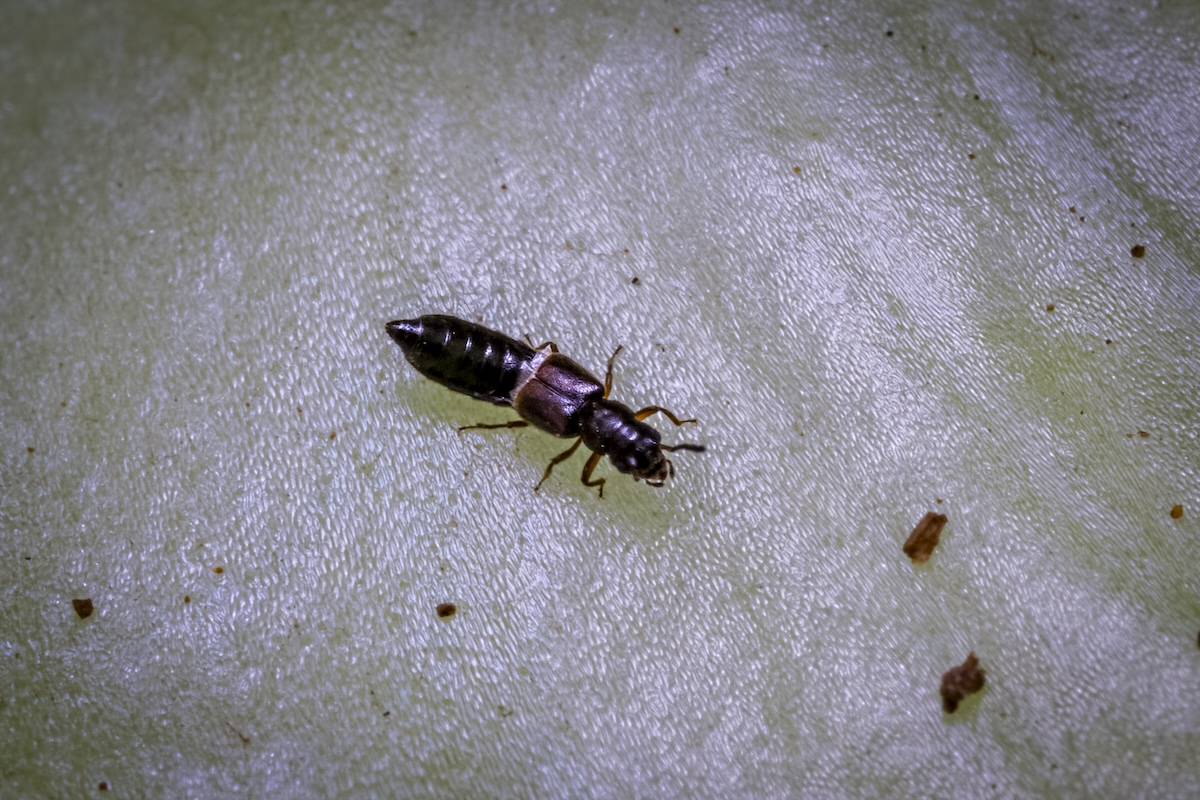
It can be a challenge to find tiny insects in a crop, and once you’ve found something, it can be even harder to determine if it’s a beneficial insect or mite, or a pest.
As part of an integrated pest management approach to crop protection, more growers are introducing biodiversity planting into their farms, orchards and vineyards to enhance beneficial populations to support pollination and pest management. As such growers and advisors are increasingly interested in identifying the invertebrate life they are seeing in their crops, and a smartphone is a useful tool to achieve this.
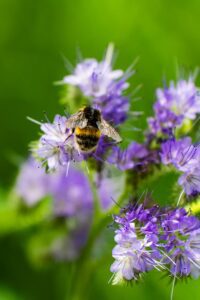
Bumblebees are regarded as a beneficial for pollination of crops.
However, capturing an image of sufficient quality is a challenge in itself, and advisors to the A Lighter Touch-Vegetables NZ-Onions NZ biodiversity project have shared the following advice with grower champions establishing biodiverse planting as part of their own farming systems.
Tips for photographing insects on your smartphone:
- Check your camera lens is clean (if not, wipe it with a cloth for cleaning sunglasses).
- Turn the flash off, natural light on cloudy days works best for photos (you want to avoid shadow and harsh reflections).
- Enable macro mode – for most people it will automatically turn on when the camera is close to an insect (around 2cm).
- Move slowly so as not to scare the insect away.
- Consider the background, keep it simple and uncluttered, try to capture the insect in its habitat if you can.
- Avoid using the digital zoom as it reduces the image quality.
- Focus on the insect by tapping on your screen, some smartphones will let you adjust the exposure with a slider or a sun icon, to make the photo lighter or darker.
- Be as steady as you can, rest your elbows on a solid surface, even leaning your phone against a branch or fence can help to stabilise it, or use a small tripod.
- Take lots of photos, from different angles such as above, below, and from the side. Try burst mode (hold the shutter button down to capture several photos in quick succession), this will give you options to pick the best photo.
- Take a short video, then you can capture some alternative angles, and zoom in afterwards and pause the playback on a clear image.
- Smart phone lens attachments include specialised macro lenses that can be attached with clips or via a dedicated phone case.
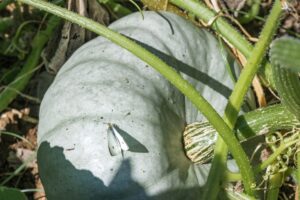
Cabbage white butterfly, a brassica pest.
If you’re still struggling to get an in-focus photo from the field, there are some other options to consider. ALT biodiversity project lead Olivia Prouse, of Cropping Services Ltd, recommends a paid app called Halide for iPhone or iPad, which offers a high degree of manual control.
PGG Wrightson vegetables technical specialist Chris Lambert suggested collecting a specimen and giving it a short chill in the fridge to slow it down. You can then photograph it on a plain background with good lighting, or use a magnifying clip on a smartphone lens.
Once you have a quality photograph, there are several options for identifying the species, including:
- iNaturalist NZ, an online community of people sharing biodiversity information to help each other learn about nature,
- Your crop advisor or monitor, and
- Your sector levy group.
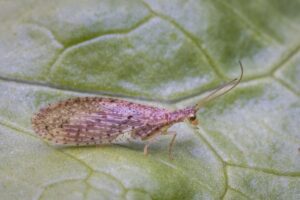
A Tasmanian Brown Lacewing, a predatory beneficial insect, pictured here in a lettuce crop.
Along with identifying beneficials and pest insects for the purposes of crop protection, mastering taking photos of insects is a useful skill if reporting a biosecurity risk. You can help minimise the risk of the spread of exotic pests or diseases across New Zealand by reporting sightings to the Ministry Primary Industries (MPI) pest and disease hotline, 0800 80 99 66.
More information :
Find-A-Pest photography guide
MPI guide to photographing biosecurity suspects (short video on YouTube).
iNaturalist NZ
